blog
Tutorials & notes
Practical writing on design, prepress and vector tools, most posts pair with a video.
-
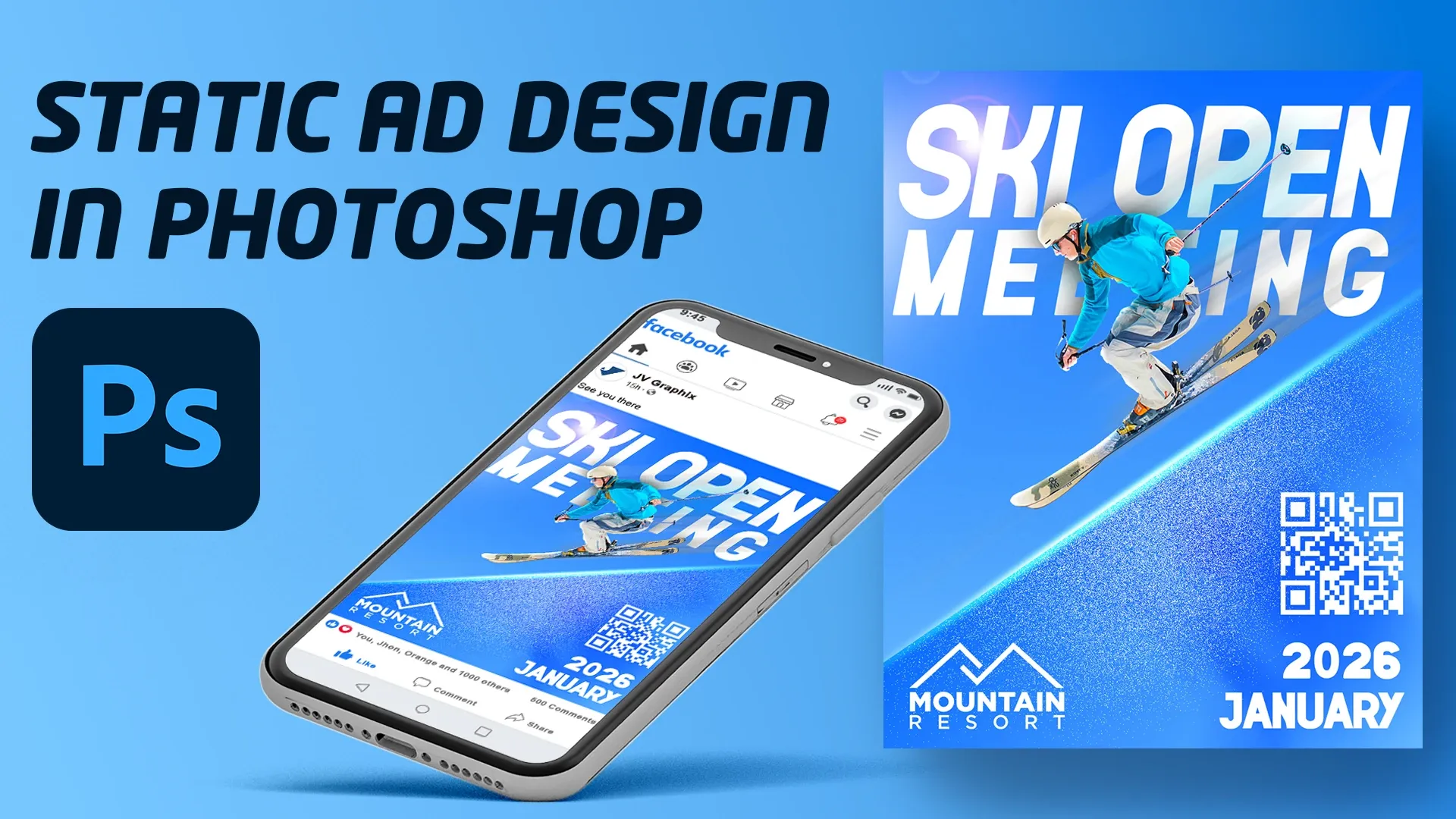
9 January 2026 Design a Professional Static Ad in Photoshop Design a clean, modern static Facebook ad from scratch in Photoshop, with layers, gradients, blend modes and bold type. Beginner to intermediate.
-
19 October 2025 Logo Design Part 2: Coloring in Adobe Illustrator Part 2 of the minimal logo tutorial: the black and white winery logo gets colour, cleaned shapes and saved swatches in Illustrator.
-
19 October 2025 Minimal Logo Design in Illustrator: From Sketch to Vector A minimalist winery logo drawn only with lines in Illustrator: Pen, Rectangle and Ellipse tools, refined anchor point by anchor point.
-
19 October 2025 Design a Magazine Spread in Adobe InDesign A two-page spread for a fictional Science Journal, built from scratch in InDesign: parent pages, text frames, text wrap and captions.
-
4 August 2025 Exporting an InDesign Document to PDF for Print The bonus final step of the trifold brochure series: the basic settings for exporting a print-ready PDF from InDesign.
-
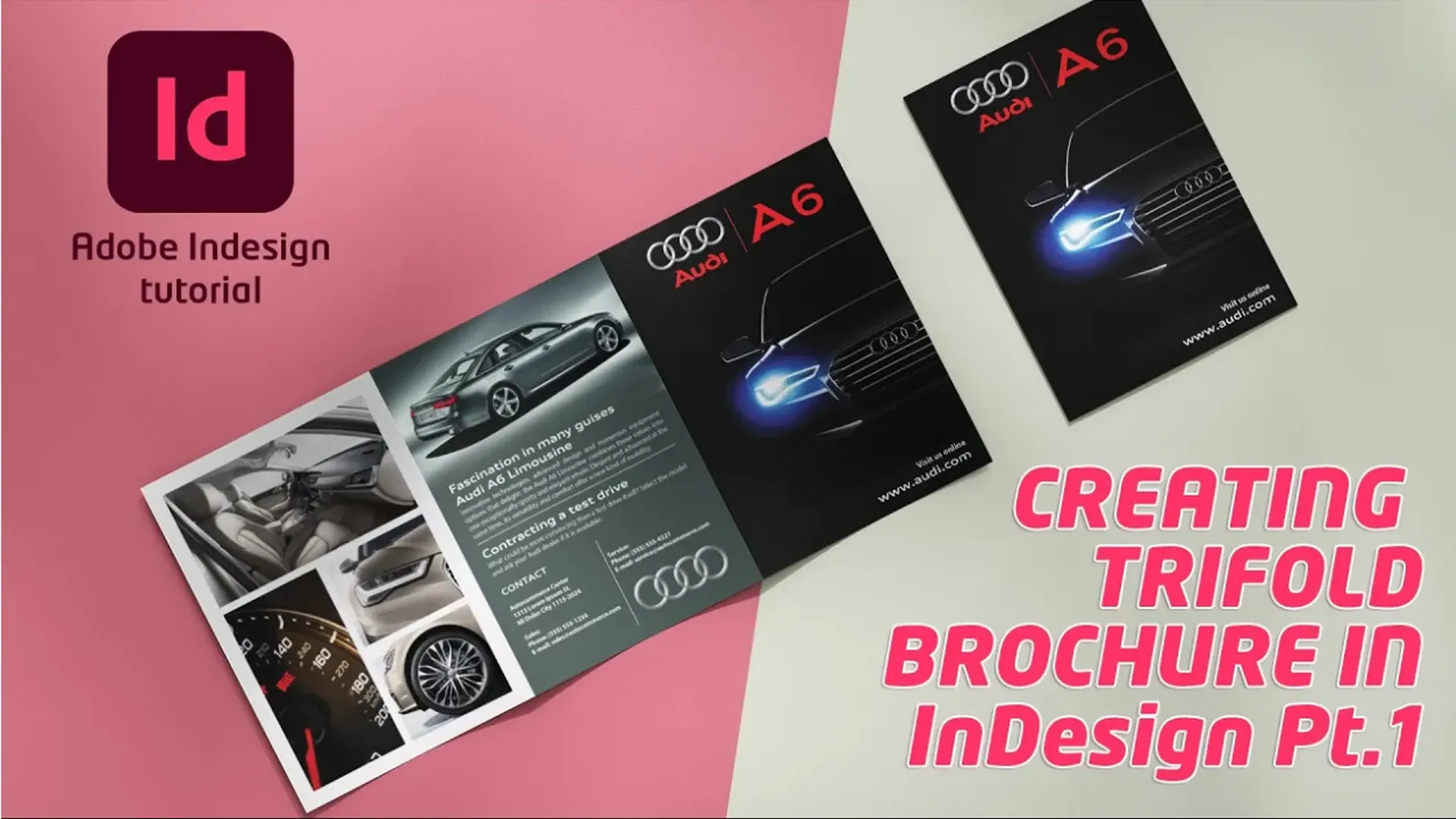
4 August 2025 How to Create a Trifold Brochure in InDesign, Part 1 Part 1 of the trifold brochure series: setting up an InDesign document for a trifold layout and placing the first text and images.
-
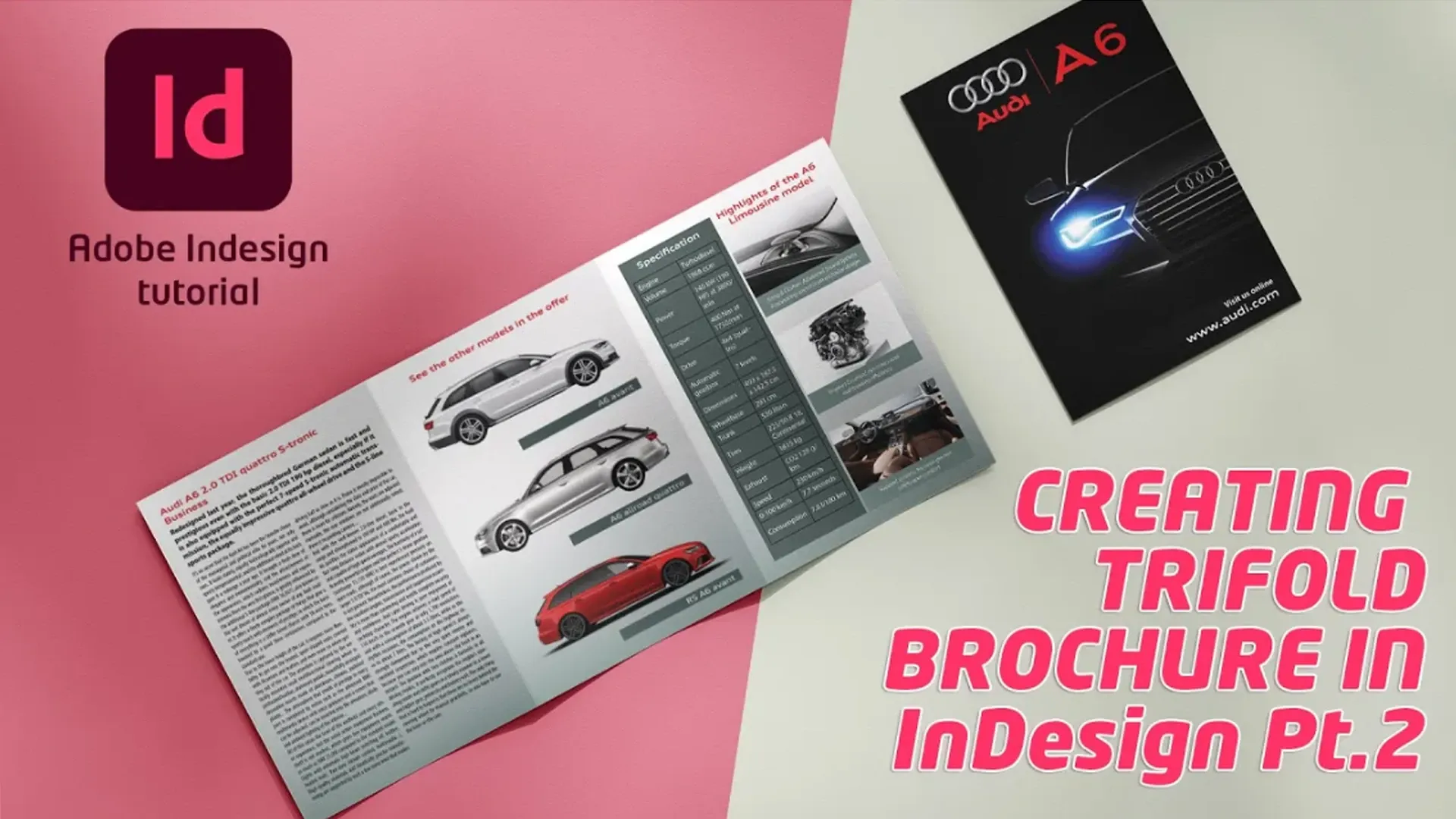
4 August 2025 How to Create a Trifold Brochure in InDesign, Part 2 Part 2 of the trifold brochure series: placing and arranging text, images and graphics, gradients and the Swatches panel in InDesign.
-
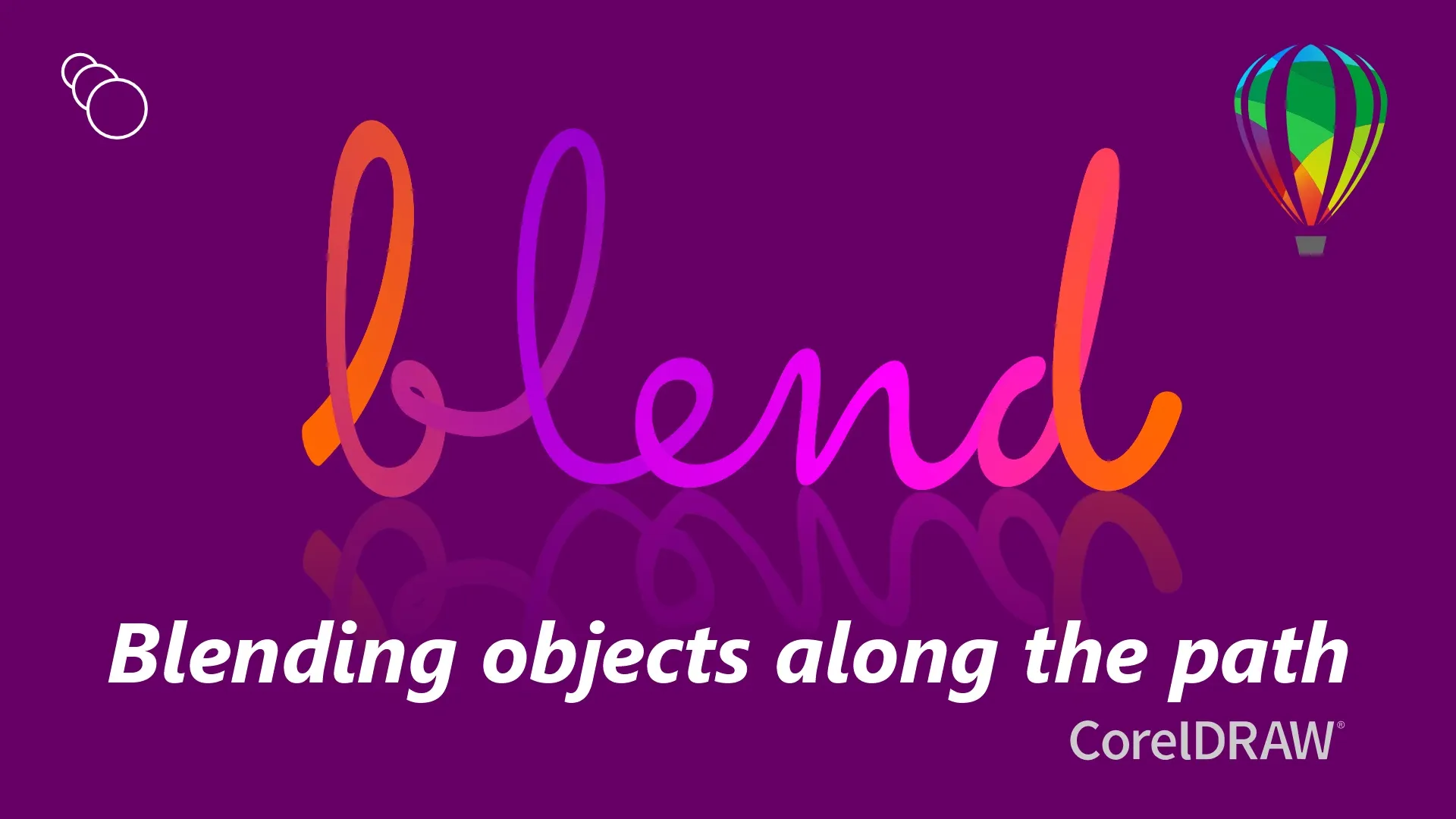
6 April 2025 Blending Objects Along a Path with the Blend Tool in CorelDRAW Use the Blend tool to blend objects along a premade path in CorelDRAW for an eye-catching result. Beginner level, practice file included.
-
6 April 2025 Automatic Ticket Numbering in CorelDRAW Sequential numbers for concert, event and raffle tickets in CorelDRAW with Print Merge. No plugins, just CorelDRAW.
-
4 January 2025 How to Make a Sports Poster in CorelDRAW Step by step, a modern poster and banner for sports equipment or activities in CorelDRAW, with text, shadow, transparency and blend tools.